Deep dive
Post-as-image export, deeper
The headline differentiator, taken apart. Seven templates, an adaptive layout engine, Vision-based smart cropping, and a watermark with a purpose.
Lanai’s headline differentiator fits in a sentence: long-press any post, choose share as image, and Lanai will render it as a magazine-quality picture you can send anywhere.
The system that makes that sentence true is more interesting than the sentence. This essay is the deeper version of the feature page, for readers who want to know how the rendering decides what to do.
Seven templates, one adaptive engine
There are seven export templates: Quiet (cream paper, generous margins, restrained type), Late (warm near-black background with cream type), Magazine (editorial layout with display-sized serif and drop caps), Native (matches the iOS post detail look), Miami (sun-bleached cream with dusty teal accents), Sticker (a pill-shaped card, perfect for Stories), and Postcard (a letterpress feel with generous whitespace). Each has its own visual personality. None of them is a re-skin.
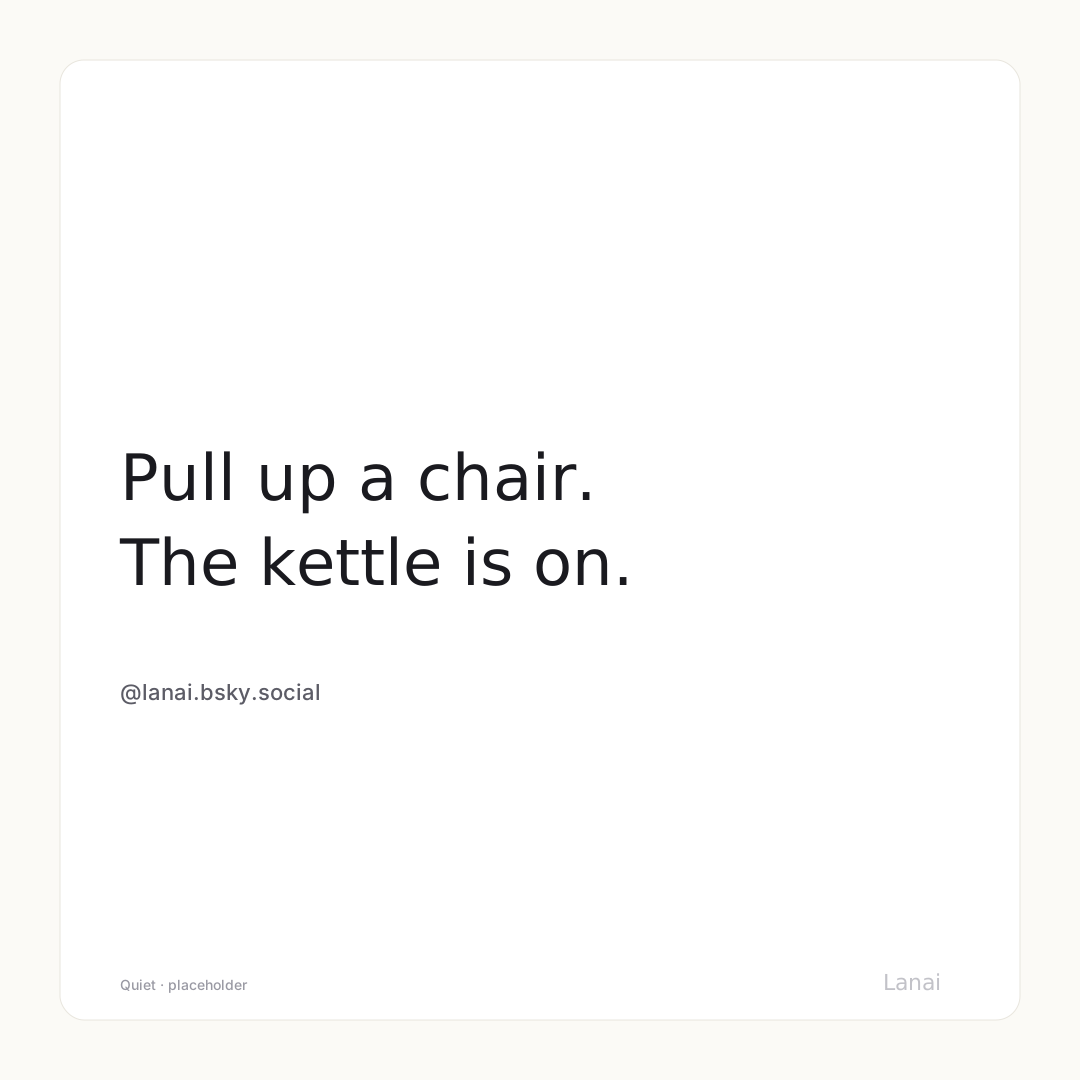
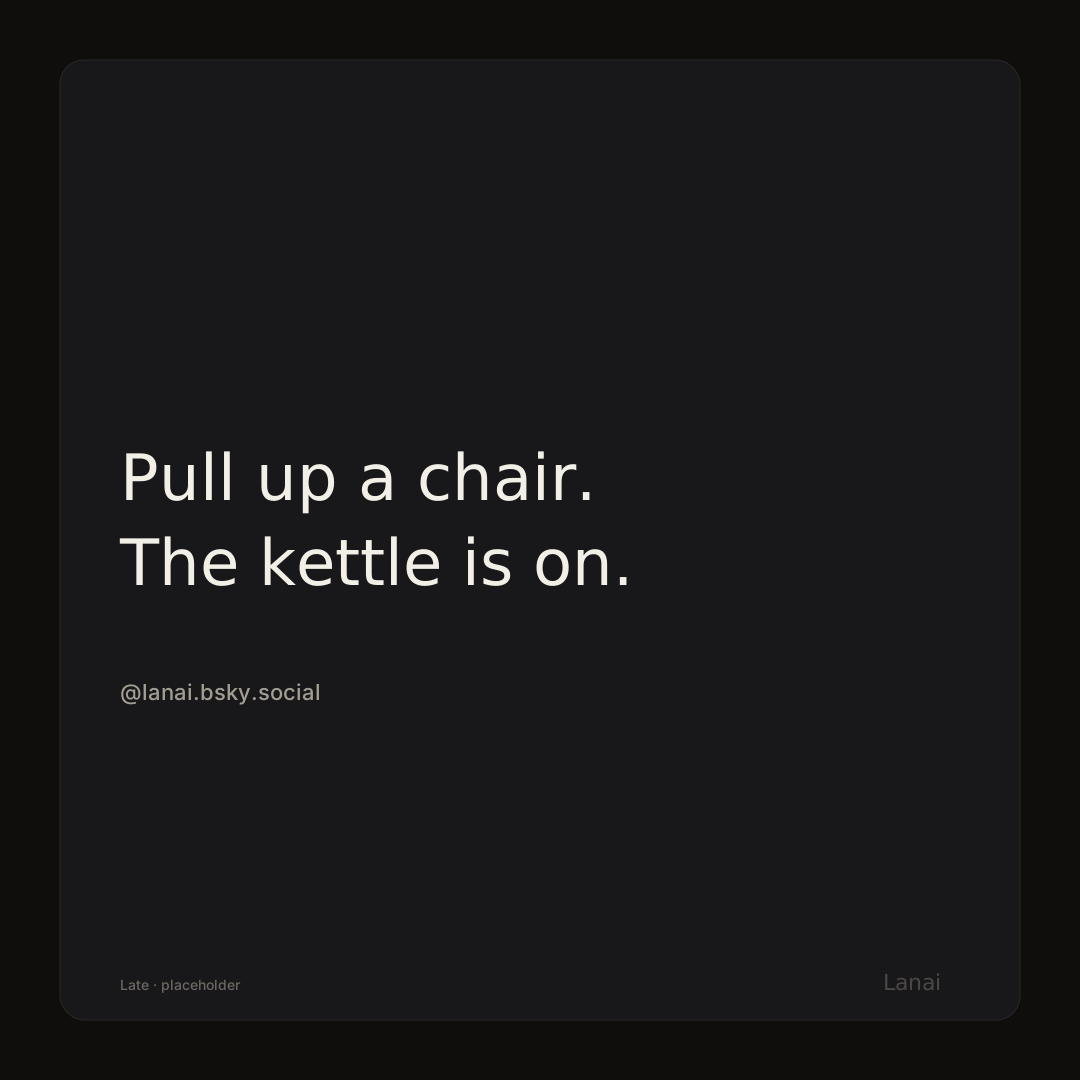
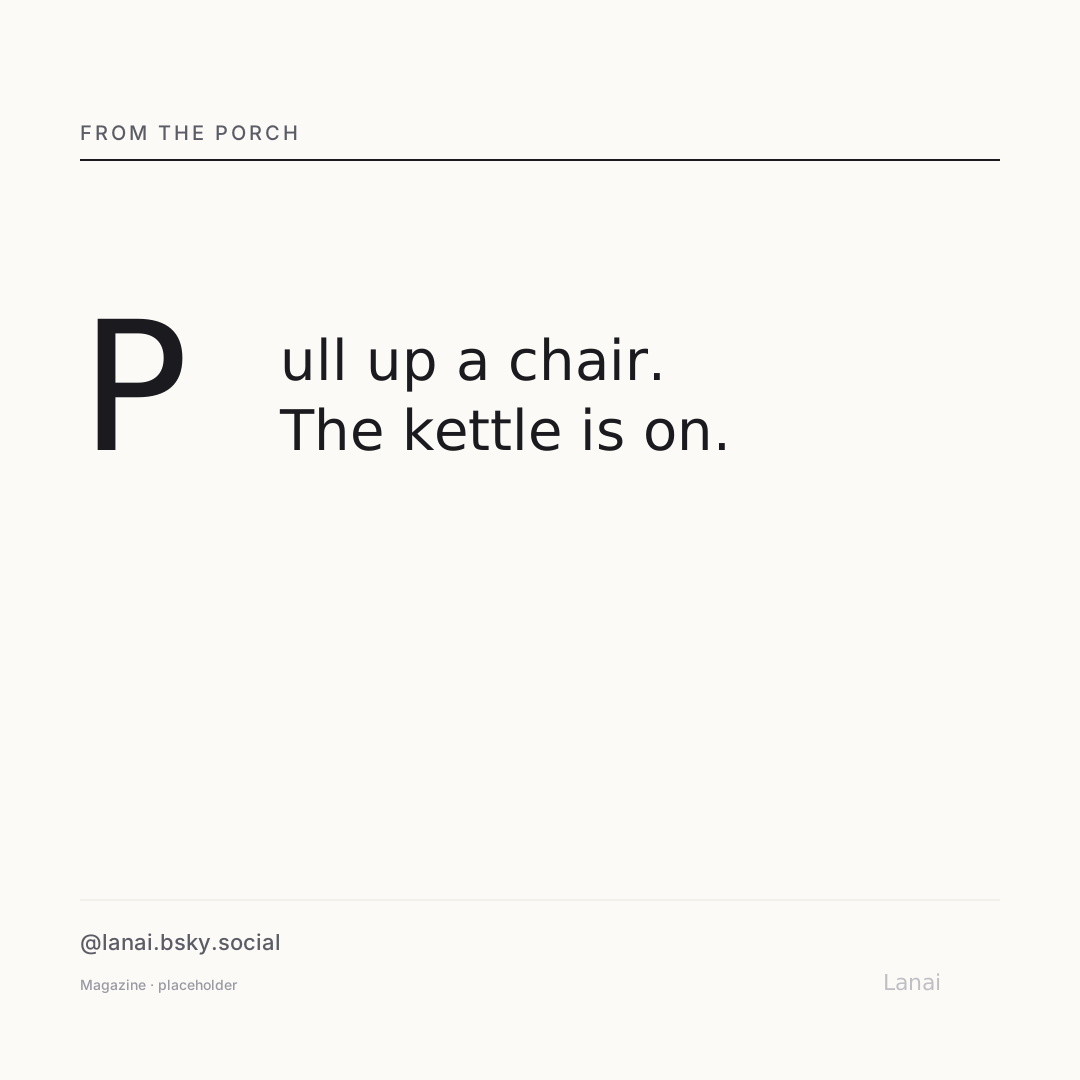
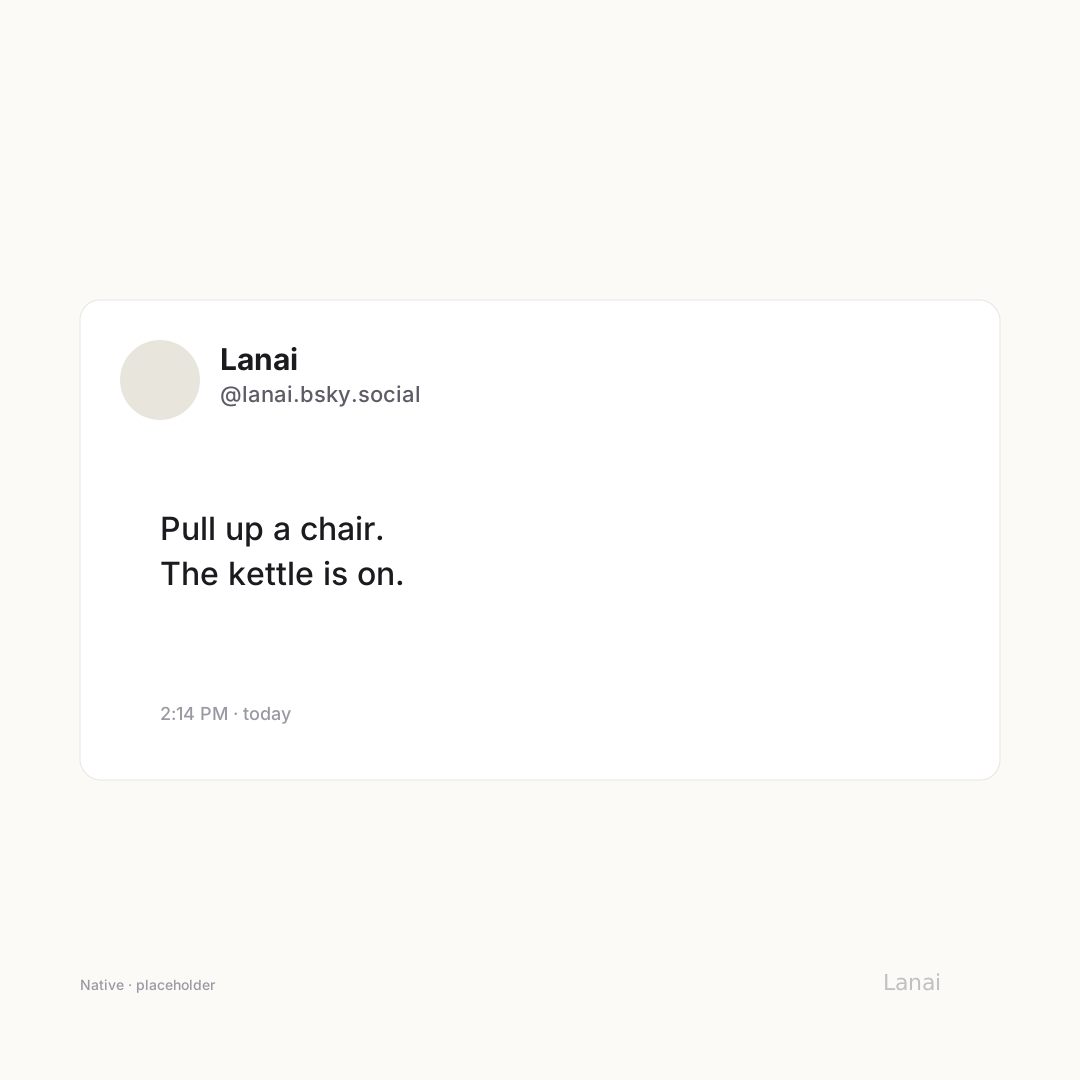
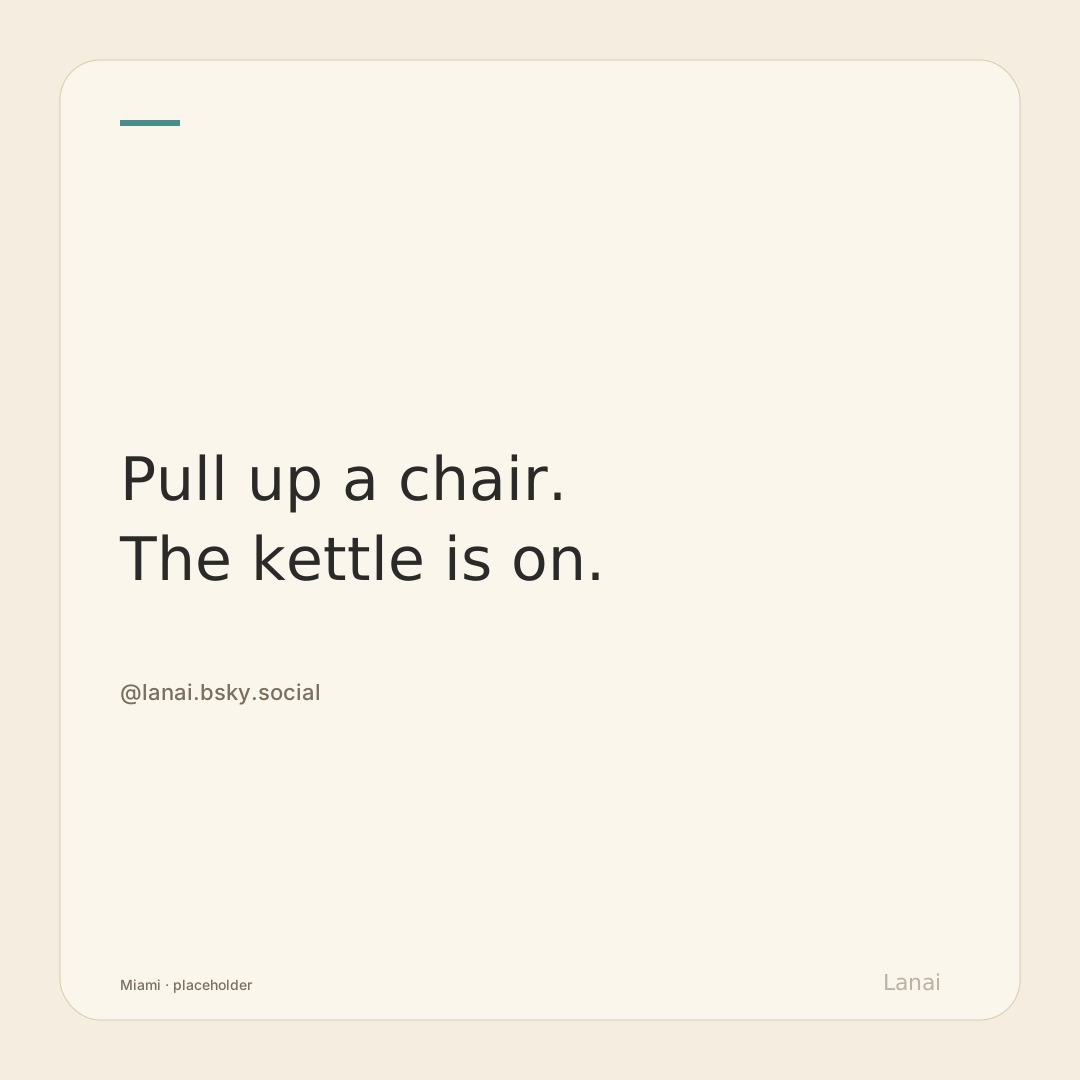
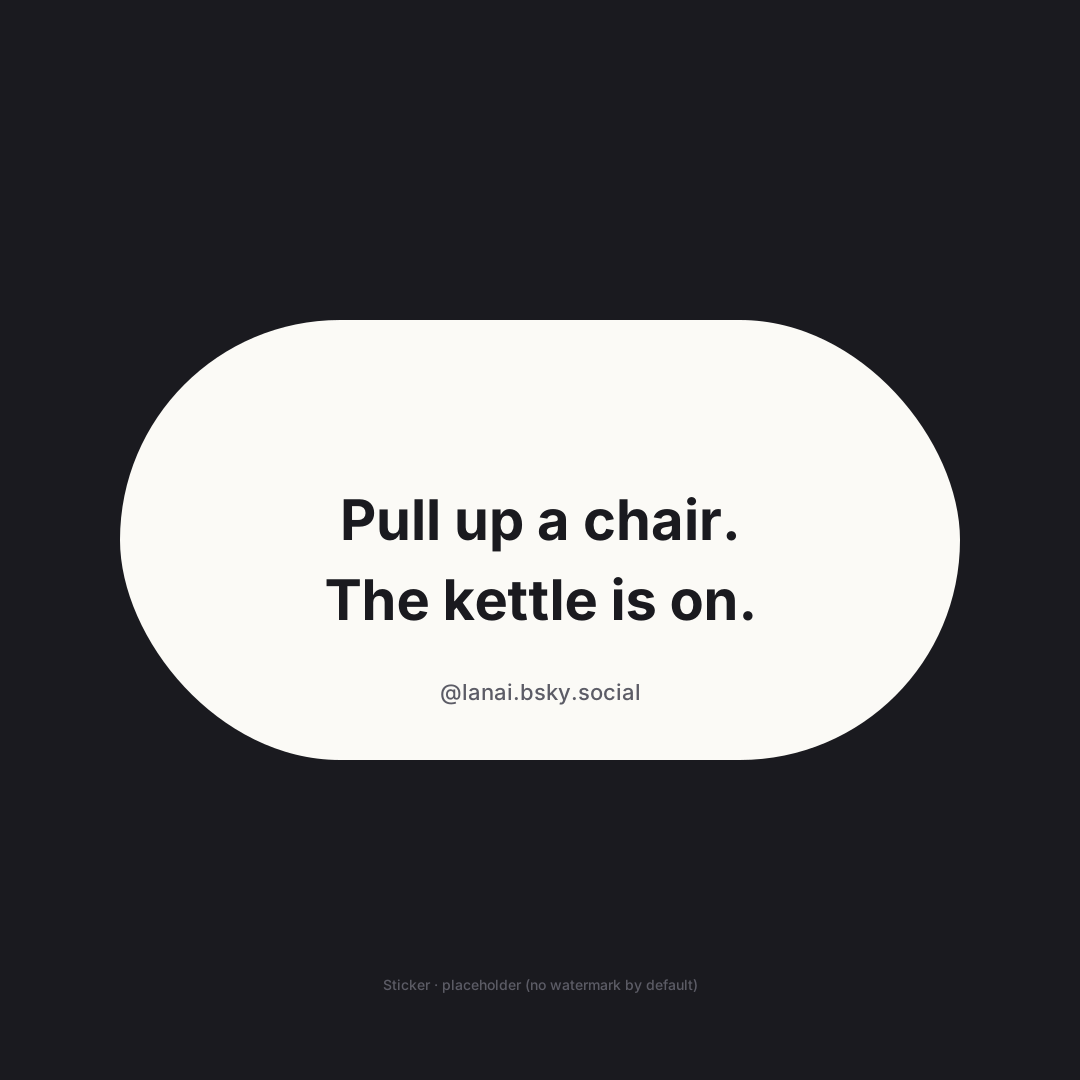
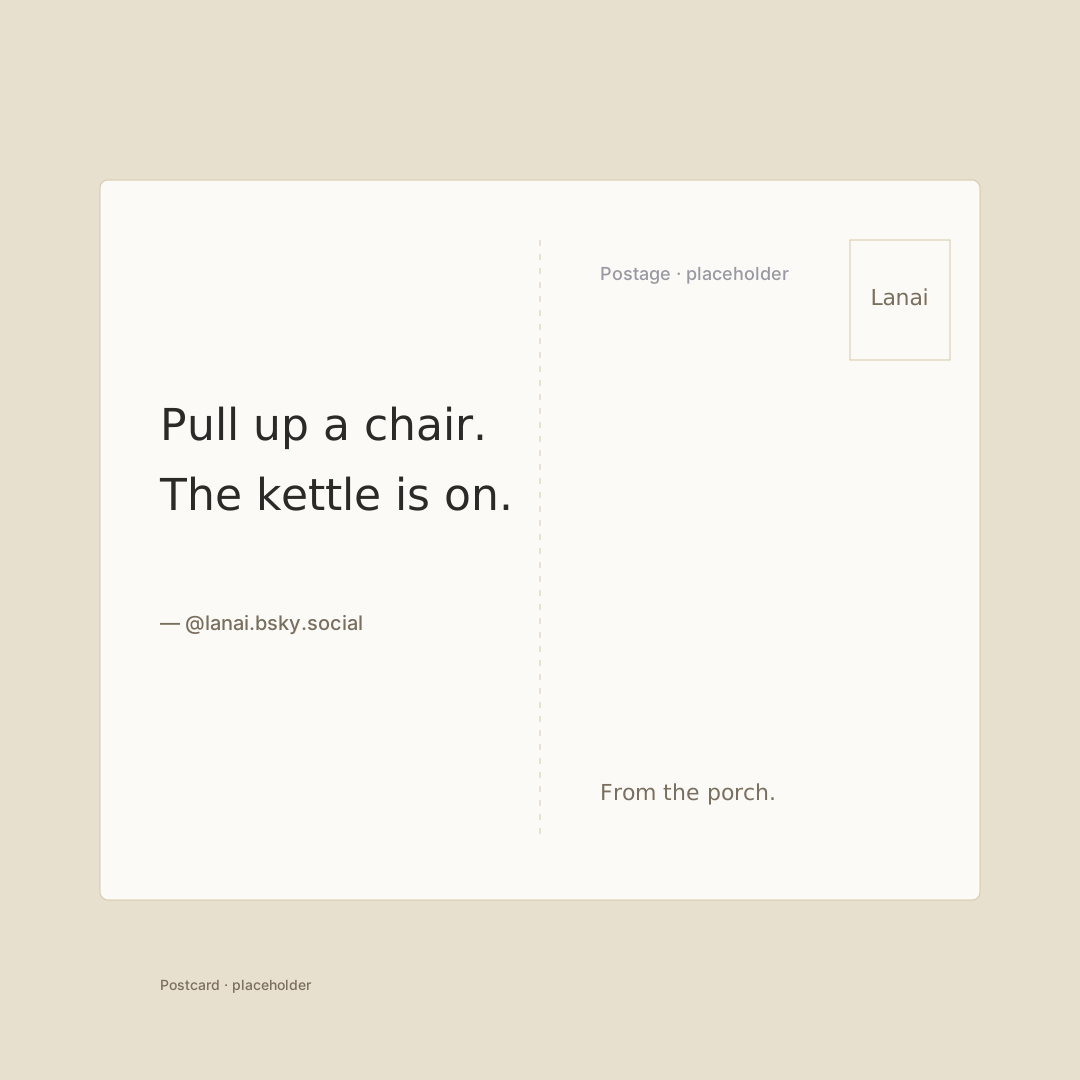
What all seven share is the adaptive content engine that sits behind them. The engine treats each post as a content budget and each canvas as a layout budget, calculates the pressure between the two, and adjusts a handful of parameters so the render lands in proportion: font token, line spacing, image max height, image columns, section spacing, quote line limits, and the display text itself.
A short post on a large canvas gets a generous headline font and breathing room between sections. A dense post on the same canvas compresses to body type, tighter spacing, and — at the highest pressure — sentence-boundary truncation that ends the rendered text at a natural stopping point. The post in the user’s feed is unchanged; only the export render trims.
Three layout fixes shipped in v1.0 to make this hold up against real posts:
Paragraph-aware line estimation. The original engine divided character count by characters-per-line, treating newlines as content. The current engine estimates each paragraph independently, so a two-paragraph post correctly estimates at least two lines instead of one. The same fix runs on quote text.
Script-aware characters-per-line. Latin script lands around 38 characters per line at body size; CJK lands at 18; other scripts have their own values. A natural-language analyzer detects the dominant script in the post and supplies the right number, scaled by the template’s base font. The result is a layout that holds up across languages without the developer having to know which language they’re rendering.
Sentence-boundary truncation. At high pressure, instead of a hard lineLimit that cuts a sentence in half, a sentence tokenizer finds the last complete sentence that fits within a character budget. The render ends with a period and an ellipsis. The original post is never modified.
These are not glamorous fixes. They are also the difference between an export feature that mostly works and an export feature that holds up against the long tail of what people actually post.
Three sizes, 3× rendering
Square at 1080 × 1080, for Instagram and Threads. Portrait at 1080 × 1350, for the in-feed shape that travels well across platforms. Story at 1080 × 1920, for the full-screen vertical surfaces. All three render at 3× scale, so the resulting image stays crisp at any zoom — on a Retina display, on an OLED phone, or in someone’s camera roll a year later. The renderer uses SwiftUI’s ImageRenderer. The Dynamic Type size is pinned to .large during rendering, which means the export does not inherit the user’s running text size. The user’s reading preference is for reading; the export is for sharing.
Every embedded image is pre-fetched into memory before the render begins. AsyncImage is never used in an export render path, because the renderer cannot wait for the network — it can only render what is already loaded.
Smart cropping that keeps faces in frame
When a post has images, Lanai runs Vision-based analysis on each one. The first pass is face detection. If faces are present, their bounding boxes map to a nine-position alignment grid (top-left, top-center, top-right, center-left, center, center-right, bottom-left, bottom-center, bottom-right). The export renderer uses the alignment to crop around the faces — so a portrait photo gets cropped around the subject, not around the centroid of the image.
When no faces are detected, the second pass runs Vision’s attention saliency analysis. This gives a heat map of where the eye is most likely to land. The same nine-position grid is computed from the saliency centroid. The result is the same kind of intentional crop, applied to a landscape or a still life.
The renderer also classifies each image as .photo, .text, or .hybrid (screenshots, memes, annotated images). Photos use .fill cropping with the smart alignment. Text and hybrid images use .fit to preserve the entire image — no cropping, no text lost.
All of this is on-device. No image leaves the user’s phone for analysis.
Toggles you can use without thinking
The options bar over the preview is context-sensitive. The Photo toggle is visible only when the post has images or video. The Link preview toggle appears only when there’s an external link to preview. The Quote toggle appears only when there’s a quoted post. The Date toggle is always available. The Watermark toggle is always available except on the Sticker template, which is designed for Story overlays where a corner watermark would be misplaced.
The bar is restrained on purpose. Most users will tap none of the toggles and get a good result. The toggles exist for the user who wants to dial in the moment.
The watermark
Every export carries a small Lanai watermark in the bottom-right corner at 40% opacity. It is on by default, and it is removable.
The reason it’s on by default is plain. Every shared image is also, gently, an invitation. A person who likes the way a post looks in someone else’s Instagram story can find out which app made it. That is the organic growth engine of an app whose feature is sharable: the artifact is the marketing.
The reason it’s removable is the same one. If the moment is yours alone — a personal screenshot, a card you’re sending to a friend, a print you want to hang on a wall — the moment is yours alone. The user is in charge of which case applies. Lanai’s job is to ask the question politely, once, with a toggle.
Why this is the headline
A social app is judged in feeds the user doesn’t control. The headline differentiator of Lanai is the part of the app that travels into other feeds. An exported image — square, vertical, story-sized — lands in someone else’s Instagram or Threads or X with the typography intact, the cropping intentional, and a small watermark suggesting where it came from. The image is doing the work of an ad and a portfolio piece simultaneously, and the user didn’t have to do anything to make either true.
The seven templates exist because one template would make every Lanai image look identical. Variety is part of the credibility of the feature: when you see a Magazine-template post on Threads and a Postcard-template post on Instagram and a Sticker-template post on a Story, the family resemblance is the brand without any image looking like an ad.
This is the headline because it’s the part of the app you can see from the outside.